 EpoxyGrind
Learning center
Why a Blurry Photo Undoes Good Work Before Anyone Reads a Word
This isn't about the photo itself — it's about a small file forced to display bigger than it actually is, which is what makes it look blurry.
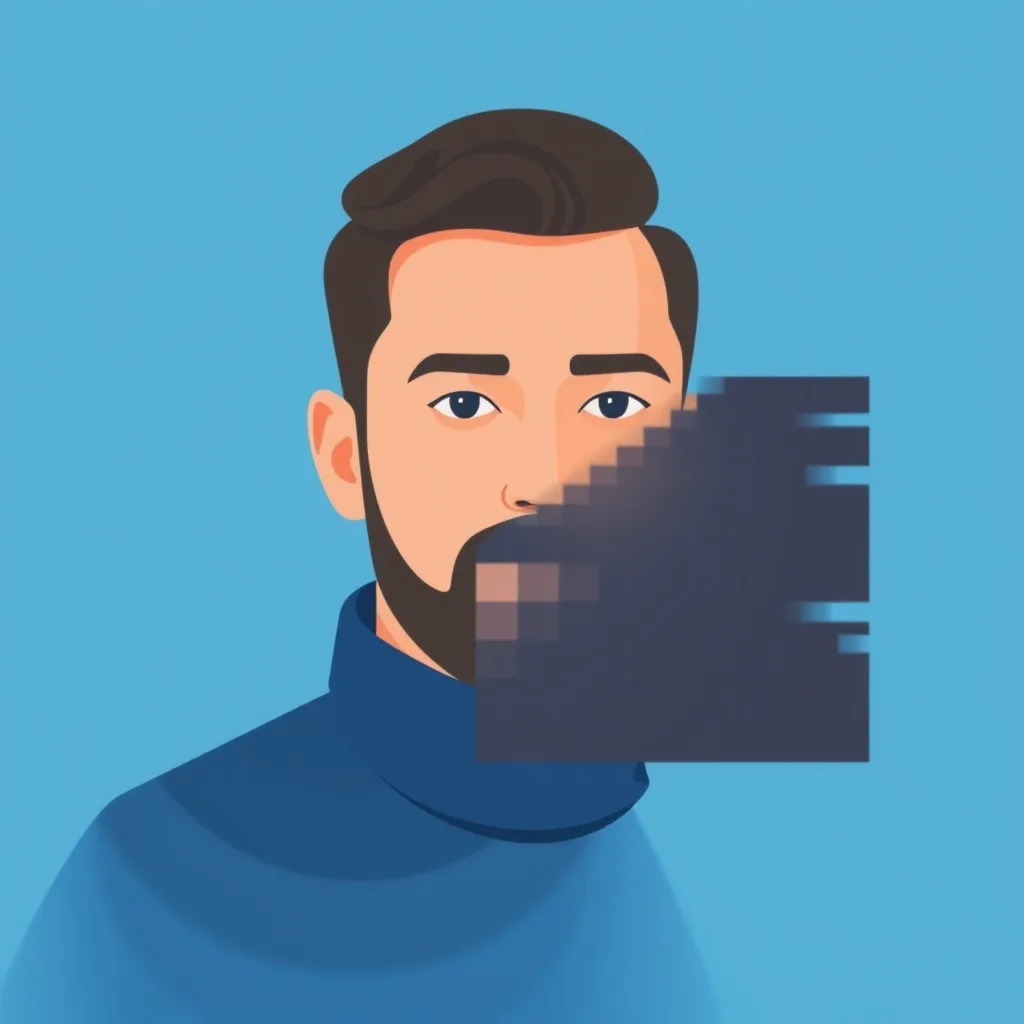
Your audit checks the technical quality of your site's images — specifically whether they're being displayed larger than their real resolution (upscaled, which reads as blurry) and whether they're served in a modern, efficient format. This is a separate, more mechanical check from whether the photo itself is real or relevant — you can have a genuinely great before/after shot that still looks bad purely because of how it's being displayed.
Why a real photo can still look blurry
If a photo is uploaded at a small size (say, 400 pixels wide) but the website tries to display it at 1200 pixels wide, the browser stretches it — and stretching is what causes the soft, blurry look, not the photo itself. This usually happens when a photo taken on an older phone, or one downloaded from a text message or social media, gets reused directly on the site.
It quietly undermines everything else on the page
Even a genuinely great before/after shot or real project photo loses most of its persuasive power if it looks technically amateurish — homeowners register "blurry" before they register "impressive transformation." Poor image quality reads as an unfinished or neglected site even when the underlying work is excellent.
The fix is almost entirely upload hygiene
Upload the original, full-resolution photo straight from your phone rather than a screenshot or a copy pulled from a text thread (both compress and shrink the image first). Modern formats like WebP also load faster without a visible quality loss — most website builders and platforms handle this conversion automatically if the original upload was high-resolution to begin with.
Want us to just fix this for you?
Free audit shows you exactly what's costing you jobs on your own site — no obligation.
Related
FAQ
How do I know if my images are being upscaled?
If a photo looks noticeably softer or blurrier on your website than it does in your phone's own photo gallery, it's very likely being displayed larger than its native resolution.
Do I need special software to fix this?
Usually not — the fix is simply uploading the original, full-size photo file rather than a compressed copy (like one saved from a text message or social media post).
Does image format really make a difference?
Yes, modern formats like WebP or AVIF load faster at the same visual quality than older JPEG/PNG files, which also helps your site speed score.