 EpoxyGrind
Learning center
Why a Page That Scrolls Sideways Is Costing You Trust, Not Just Looks
A page that scrolls sideways on a phone doesn't read as a minor bug to a homeowner — it reads as "this business doesn't maintain its website."
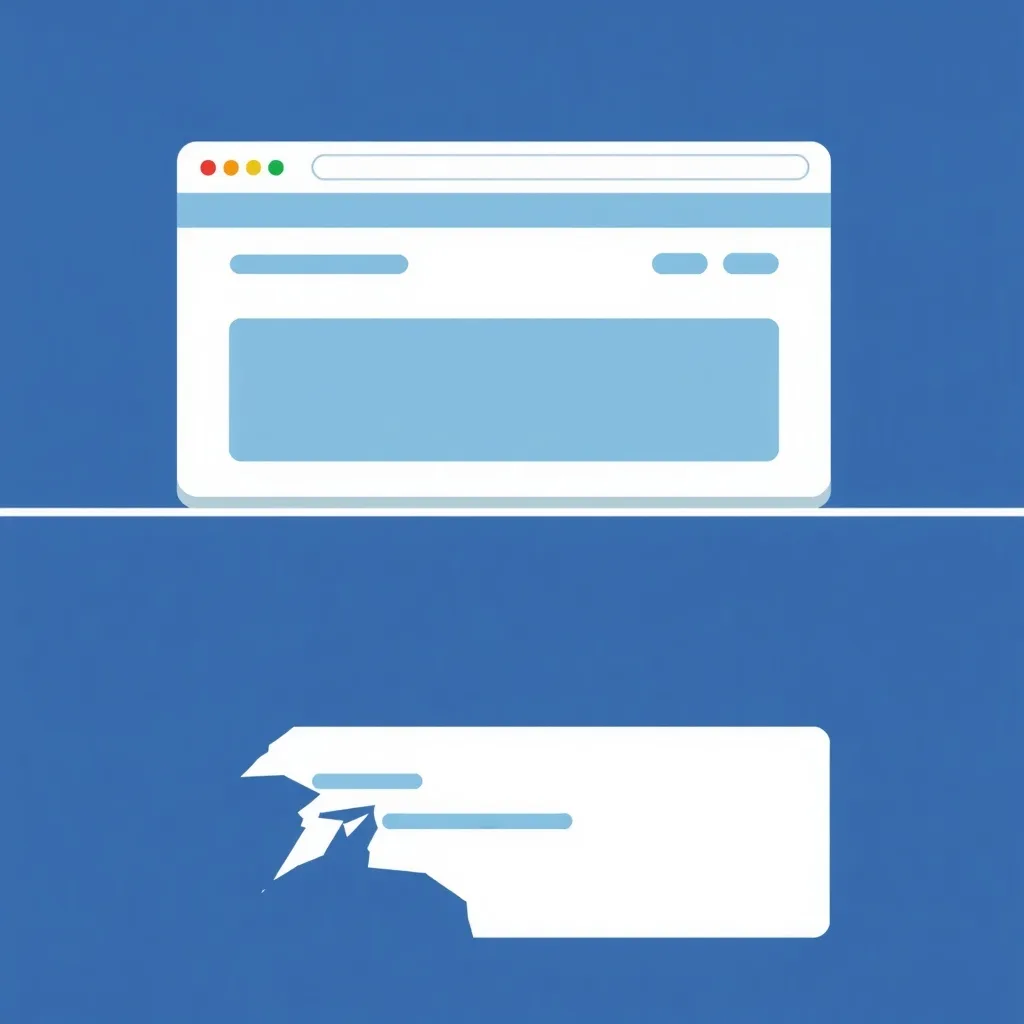
Your audit checks whether any element on the page — usually a fixed-width image, table, or embedded widget — pushes the page wider than the phone screen, forcing an unintended sideways scroll. Unlike a slow-loading page or a missing form, this is something a visitor notices within the first second of looking at the page, before they've engaged with any content at all.
It's usually one oversized element, not the whole layout
Horizontal overflow is almost always caused by a single culprit — a fixed-width table, an embedded map or widget, or an image with a hardcoded pixel width that doesn't shrink on smaller screens. Finding and constraining that one element (usually a simple max-width: 100% fix) resolves the whole page, which is why this is typically a fast fix once identified.
The cost is credibility, not just usability
A visitor doesn't reason through "this business has a CSS bug." They register, in under a second, that the site feels unfinished or unmaintained — and per the research above, that snap judgment about design bleeds directly into how much they trust the business behind it. For a job that costs several thousand dollars, that first impression matters more than most contractors assume.
It compounds with everything else your audit checks
A visitor who forms a negative first impression from a broken layout is less likely to scroll further to find your lead form or read your reviews at all — the bug doesn't just look bad, it actively reduces how much of the rest of your page actually gets seen.
Want us to just fix this for you?
Free audit shows you exactly what's costing you jobs on your own site — no obligation.
Related
FAQ
What usually causes horizontal scrolling on mobile?
A single element with a hardcoded pixel width wider than the screen — often a table, embedded widget, or an image without a max-width constraint.
Is this hard to fix?
Usually not — once the oversized element is identified, constraining it with max-width: 100% or a responsive container typically resolves the entire page.
Does this really affect whether someone hires me?
Indirectly, yes — research shows design quality strongly shapes perceived business credibility, and a visibly broken layout is one of the fastest ways to trigger that judgment.