 EpoxyGrind
Learning center
Why Small Buttons Are Quietly Losing You Mobile Leads
A button too small to comfortably tap doesn't just look dated — it measurably doubles how often a real thumb misses it.
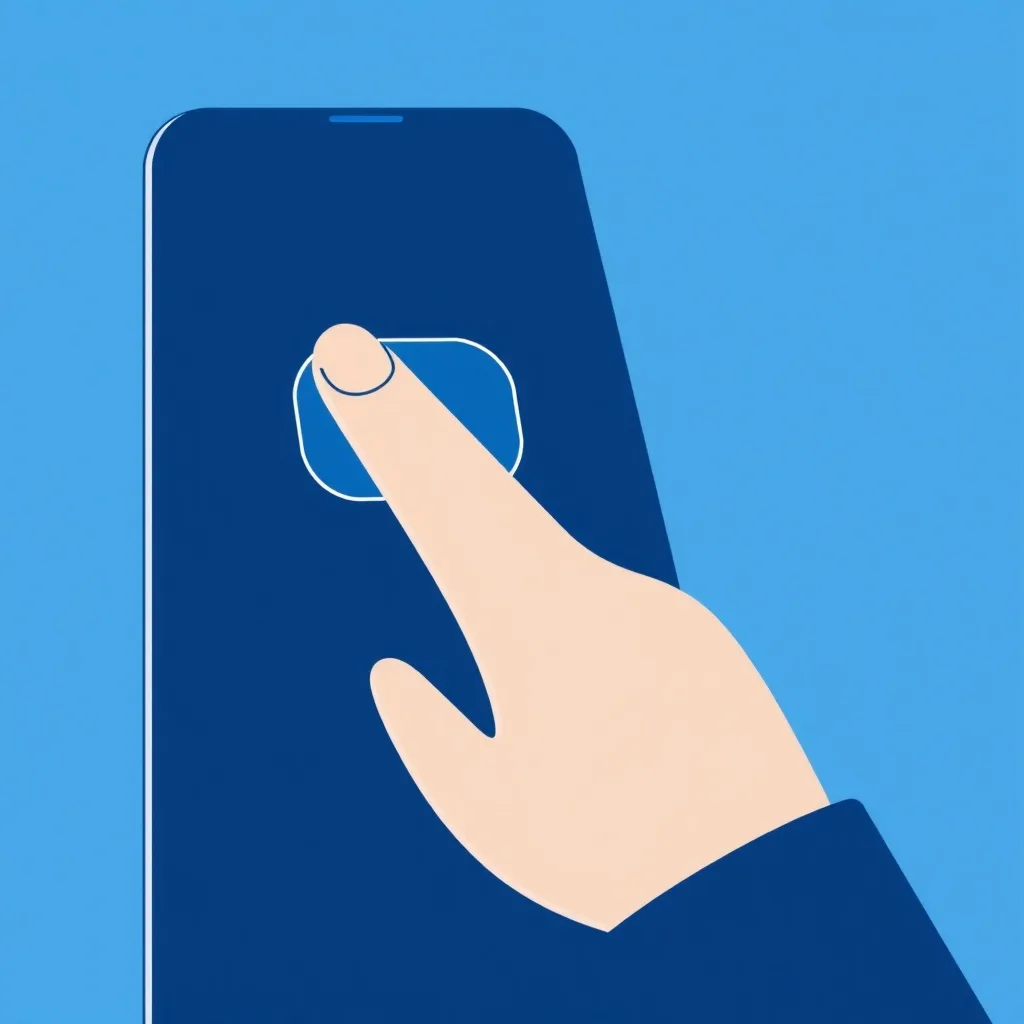
Your audit measures every clickable element on the page and flags any that fall under roughly 44x44 pixels — the minimum comfortable touch target, per Apple's and Google's own mobile design guidelines. If more than 20% of your tappable elements are undersized, this check fails. It sounds cosmetic. The research says otherwise.
A "rage tap" is a homeowner about to leave
UX researchers measure mobile frustration with something called the rage-tap rate — two or more taps within 500 milliseconds in roughly the same spot, which is what a real thumb does when it keeps missing a button. A homeowner rage-tapping your phone number or quote button isn't a minor annoyance; it's the exact moment they give up and hit the back button to try a competitor instead.
Small targets compound with everything nearby
Target size isn't the only variable — spacing between tappable elements and where they sit relative to how someone naturally holds a phone both matter too. But size is the one your audit can measure directly and objectively, and it's usually the one most within a contractor's control to fix: padding on a nav link or a CTA button is a CSS change, not a redesign.
Why this hits your click-to-call link and quote button hardest
The two things you most need a homeowner to successfully tap on mobile — your phone number and your quote/CTA button — are exactly the elements this check flags when they're undersized. A beautifully designed site with a cramped, hard-to-hit phone number in the header is losing exactly the leads it was built to capture.
Want us to just fix this for you?
Free audit shows you exactly what's costing you jobs on your own site — no obligation.
Related
FAQ
What size should mobile buttons and links be?
At least 44x44 pixels per Apple's guidelines, or 48x48dp per Google's — anything smaller measurably increases mis-taps.
Is this just about buttons?
No — any tappable element counts, including nav links, phone number links, and icons, not just buttons styled to look like buttons.
How do I fix a small tap target without a redesign?
Usually just increasing padding around the existing element is enough — you don't need to change its visual size, just the tappable area around it.