 EpoxyGrind
Learning center
Why "Not Secure" in the Address Bar Is Costing You Calls
A homeowner deciding whether to trust you with a $5,000+ job sees this before they see your work — and browsers are getting louder about it, not quieter.
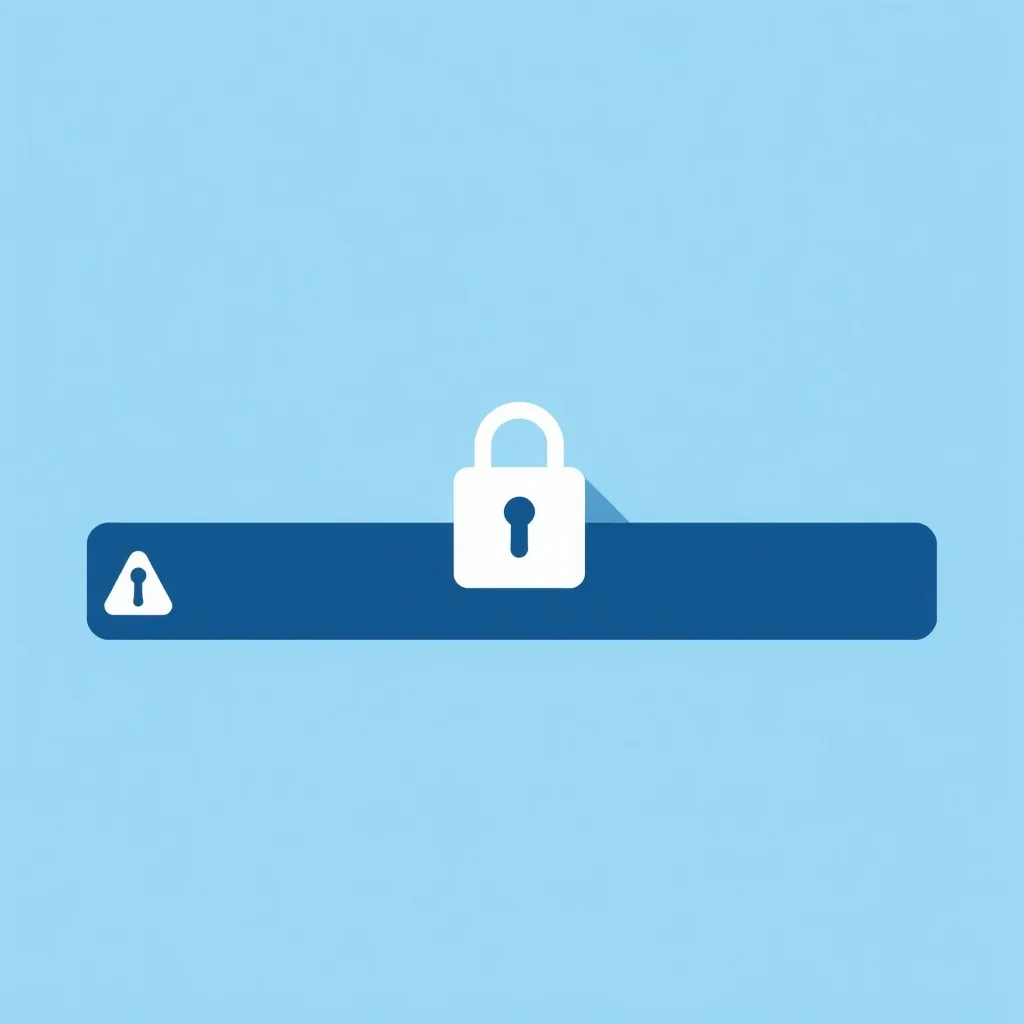
Your audit checks whether your site loads over HTTPS (the padlock) or plain HTTP. This isn't a subtle technical distinction — Chrome and other browsers actively label an HTTP site "Not Secure" right in the address bar, before a visitor reads a single word of your homepage.
It's not a small warning icon anymore
For years, an HTTP site just meant a small "i" or "Not secure" label next to the URL — easy to miss. That's changing: Chrome is rolling out a default setting that interrupts the visitor with an actual warning screen before letting them proceed to an HTTP site at all, starting with security-conscious users in 2026 and expanding to everyone after. A contractor still running plain HTTP is about to get a lot more visible, and not in a good way.
Homeowners read it as "this business isn't legitimate"
Most homeowners can't explain what SSL does technically, but they've learned what "Not Secure" means: don't trust this. For a business asking someone to submit their name, phone number, and address for a multi-thousand-dollar job, that label undercuts trust before your reviews or before/after photos get a chance to counter it.
The fix is usually free and takes minutes
Almost every host — Wix, Squarespace, GoDaddy, SiteGround, and most others — provisions a free SSL certificate (often via Let's Encrypt) with one click in the account settings. This is one of the rare audit findings with essentially no cost and no real reason to leave unresolved.
Want us to just fix this for you?
Free audit shows you exactly what's costing you jobs on your own site — no obligation.
Related
FAQ
Does my website need an SSL certificate?
Yes — modern browsers actively flag HTTP-only sites as "Not Secure," and that's becoming a harder warning to miss, not a softer one.
Is an SSL certificate expensive?
No — nearly every host offers a free one (typically via Let's Encrypt) that can be turned on in a few clicks from your hosting dashboard.